Help me pick, install, and keep the right Brother printer working.

Brother support is practical before it is technical. We start by asking who prints, where the device sits, how often labels or documents are urgent, and who gets called when the printer refuses to cooperate. From there, the service path can be simple: setup guidance for a first wireless printer, managed-driver planning for a shared workgroup, warranty review for a fleet, or application advice for label and apparel systems. The goal is not to make every team buy the largest machine. It is to make sure the machine you buy is understood by the people who will touch it every day.

Start Solution Finder Browse setup notes
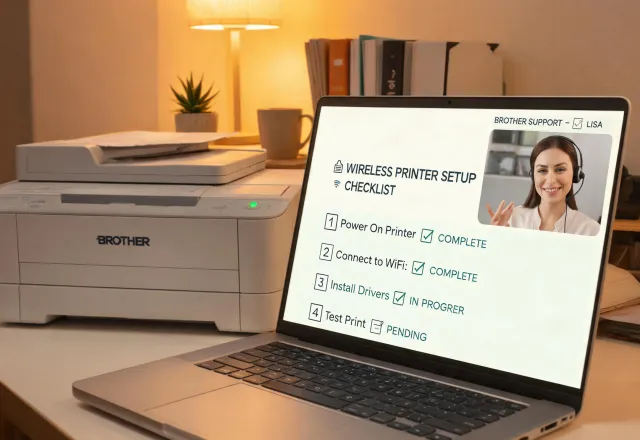
Brother advisor helping a customer set up a wireless printer

60-Second Printer Finder

Answer a few plain-language questions about documents, labels, apparel, volume, users, and connection method. We return a shortlist that explains why an inkjet, color laser MFC, label printer, or specialty system fits the job.

Open the finder →
1:1 Setup and Fleet Review

A Brother advisor can review your current devices, driver needs, supply costs, Wi-Fi environment, and warranty status. For growing teams, we separate the printers worth keeping from the units that create hidden labor cost.

Book a review →

Common support questions

Confirm monthly volume, color ratio, paper sizes, scan needs, user count, network policy, and supply replacement responsibility. A low sticker price can become expensive when a receptionist becomes the default help desk.

Yes. We walk through SSID, password, router band, firmware, mobile printing, driver selection, and fallback USB or Ethernet options when the environment is not friendly to wireless devices.

We compare warm-up behavior, duty cycle, color needs, energy use, page yield, cartridge cost, and the risk of long idle periods. The answer is usually tied to behavior, not a brand slogan.

Simple USB labelers may not. Networked QL or TD stations should be planned with media size, naming, driver deployment, shipping software, and spare roll storage so packing staff do not improvise later.

GTX, DTG, and DTF choices depend on fabric mix, pretreat discipline, transfer workflow, operator time, artwork preparation, and order size. We help you model the workflow before you buy equipment.
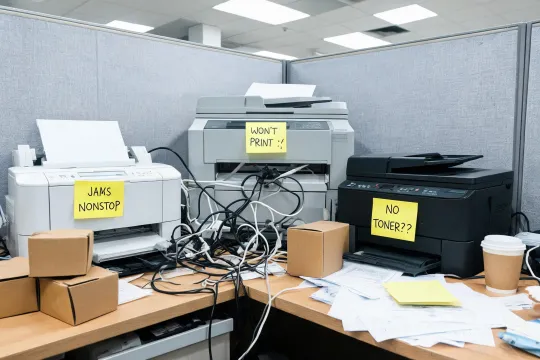
Messy printer corner with mixed devices and unlabeled supplies

Before - devices bought one emergency at a time

Mixed drivers, uncertain supply yield, no shared setup notes, and support questions landing on whoever sits nearest the printer.

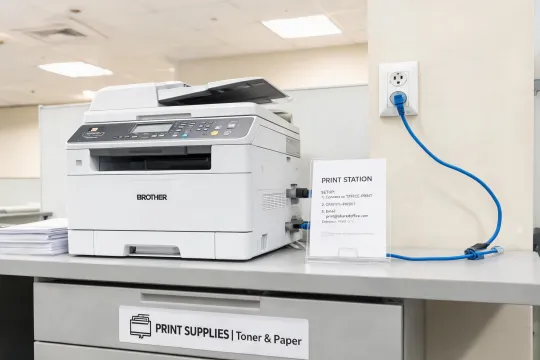
Organized Brother printer station with labels and supplies

After - a documented Brother workflow

One supported driver path, clear tray roles, known cartridge yields, spare supplies at hand, and a team that knows who to contact first.

Tell us what is hard about printing today.

Bring the real problem: Wi-Fi setup, toner cost, label mistakes, too many small devices, or an apparel workflow that is outgrowing hobby tools. We will map the support path first, then the hardware.

  • Advisor reply with practical next steps
  • Driver, media, and supply notes included
  • No-obligation shortlist and service path
By submitting, you agree that Brother may reply about this request. See our Privacy Policy.