Network Ready
AirPrint, Mopria, Ethernet, Wi-Fi and managed print options are checked before the quote, not after the box arrives.
From a first wireless all-in-one to a warehouse label station or GTX apparel workflow, Brother helps you match the machine to the work, the people sharing it, and the monthly cost you can actually defend.
Find My Printer Browse Brother Products →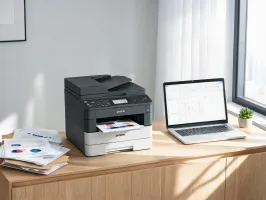
AirPrint, Mopria, Ethernet, Wi-Fi and managed print options are checked before the quote, not after the box arrives.
Ink, toner, drum and label roll yields are translated into monthly operating cost so finance can compare choices cleanly.
The same advisory team can discuss shelf labels, shipping labels, office MFCs, DTG printing and DTF transfer workflows.
UL Listed, CE Marking and FCC Part 15 coverage support business buyers who need documentation before deployment.
Older working units can be reviewed for credit, redeployment or responsible recycling through qualified partners.
North-America-based advisors help with drivers, Wi-Fi setup, warranty paths and operator handoff without scripted guesswork.
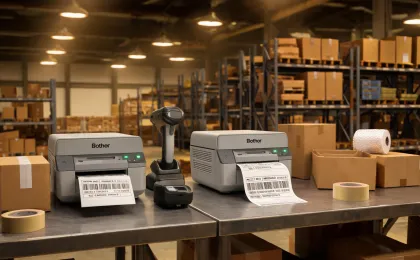
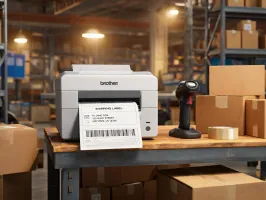
QL and TD label printers keep pallet, carton, and shelf labels close to the packing workflow, with network setup for shared stations and ShipStation-style systems.
Application notes →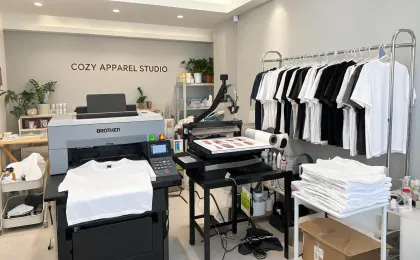
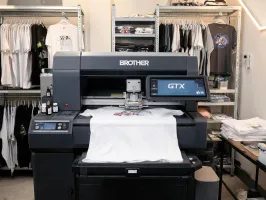
GTX and DTF workflows help studios decide when cotton DTG, transfer film, pretreat, or hybrid production makes the best business sense.
Application notes →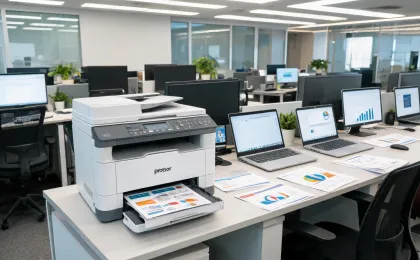
Business inkjet and color laser MFCs are selected around monthly volume, color ratio, secure release, paper trays, and remote-driver maintenance.
Application notes →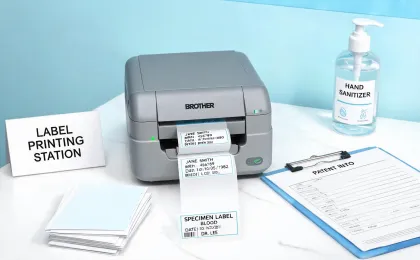
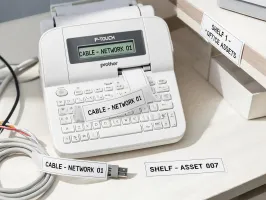
Chemical-resistant TZe and RD media support wristband, specimen, chart, and room labels where readability and cleaning exposure matter.
Application notes →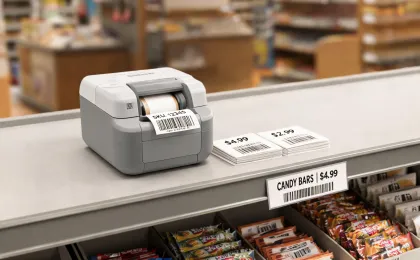
Barcode, shelf-edge, price, and return labels can be produced near the point of work without turning a small counter into an IT project.
Application notes →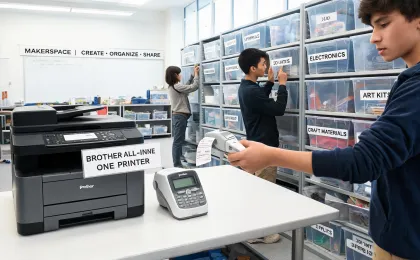
Shared MFCs, classroom labelers, and PIN release policies help labs keep consumables under control while still letting students print when needed.
Application notes →"We were comparing a cheap desktop printer, a small color laser, and an ink tank machine. Brother's advisor asked about who prints, how often labels get jammed into the day, and what our receptionist had to fix. We bought fewer devices than planned and support calls went down."
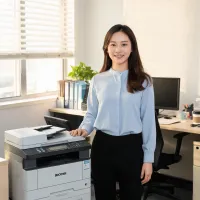
Send the monthly volume, users, applications, and any models you already own. A human advisor replies with a shortlist, operating-cost notes, and setup considerations.
Tell us your print volume, labels, users, and support expectations. We will return a practical machine shortlist with setup notes and supply math.
Start the 60-Second Finder Ask an advisor →